
Sign in with Google
Sign-in is available only with a Google account.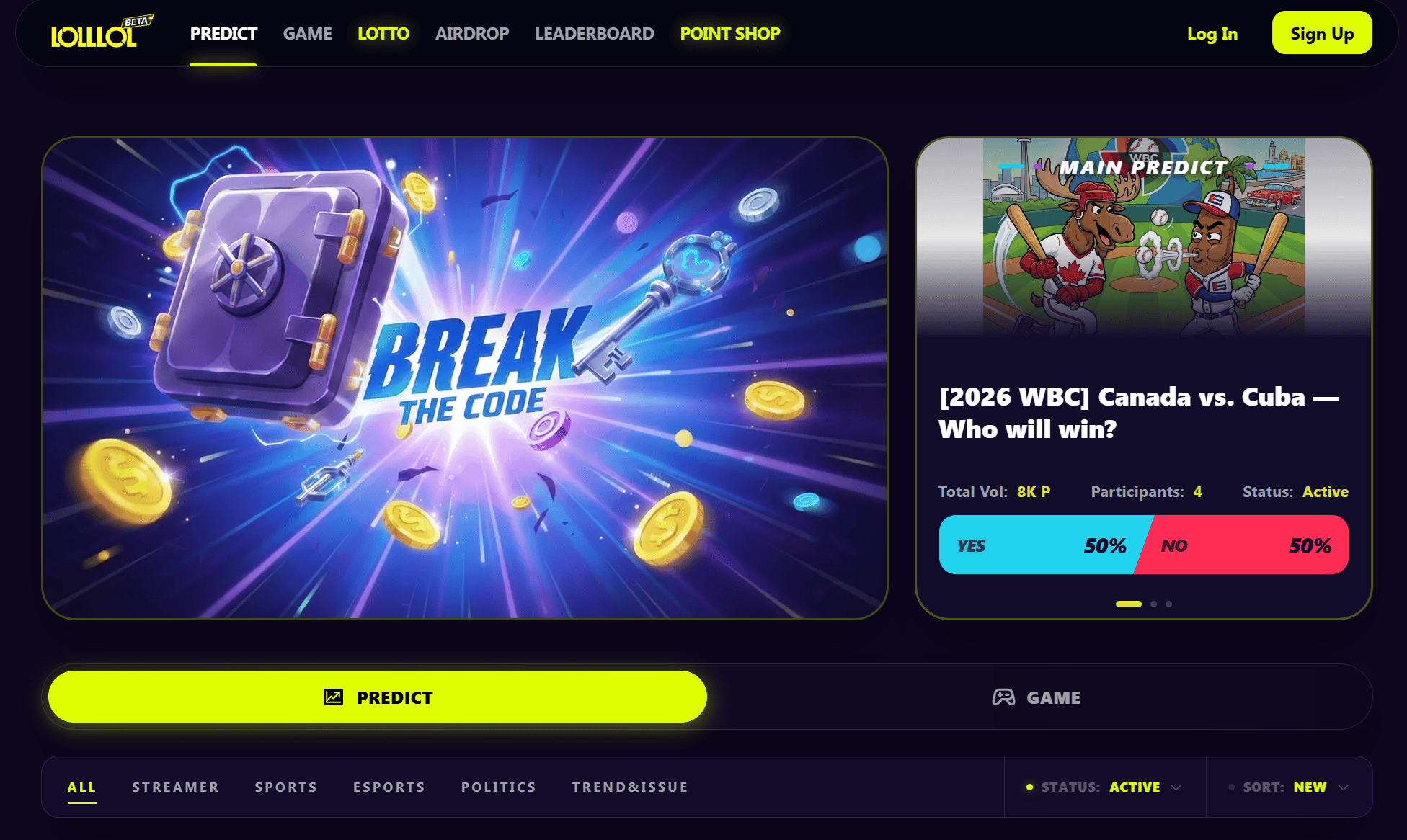
lollol.fun home — Log In button at top right
- Click Log In or Sign Up (top right).
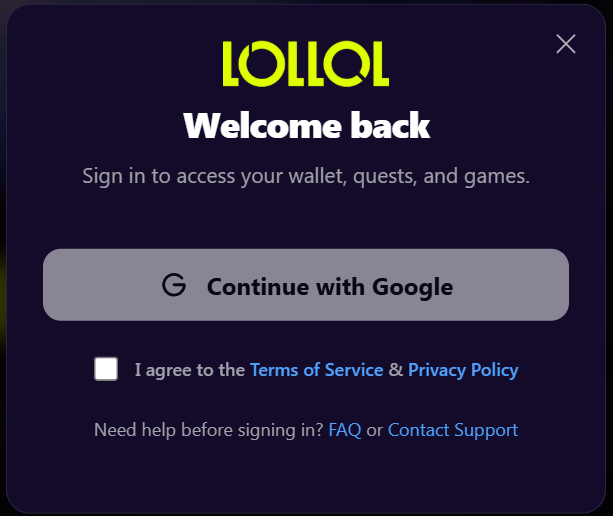
Login modal
- In the login modal, review and check Terms of Service and Privacy Policy.
- Click Continue with Google and complete the Google sign-in.
- When finished, you’ll be redirected back to lollol.fun.
First look: your Points & main sections
After you sign in, use the top menu to explore the main sections and check your Points-related areas.Main sections (Top menu)
Your first action
Option A — Complete a Bootcamp mission (recommended)
- Open AIRDROP.
- Go to BOOTCAMP.
- Choose one mission, such as:
- Play Your First Game
- Make Your First Prediction
- After completing the requirement, click CLAIM REWARD.
Option B — Play your first game
- Open GAME.
- Choose one game: DICE / MINES / FLIP / LIMBO / PLINKO.
- Set your options and press Play.
- Confirm the result on-screen.
Option C — Make your first prediction
- Open PREDICT.
- Choose a market and review Market Rules.
- Select an option and Deposit Points.
Option D — Join LottoPool
- Open POINT SHOP and purchase a Key with Points.
- Open LOTTO.
- Enter a 4-digit number (
0000–9999) and submit one entry.
Check your history
You can view your activity and balances from My Activity.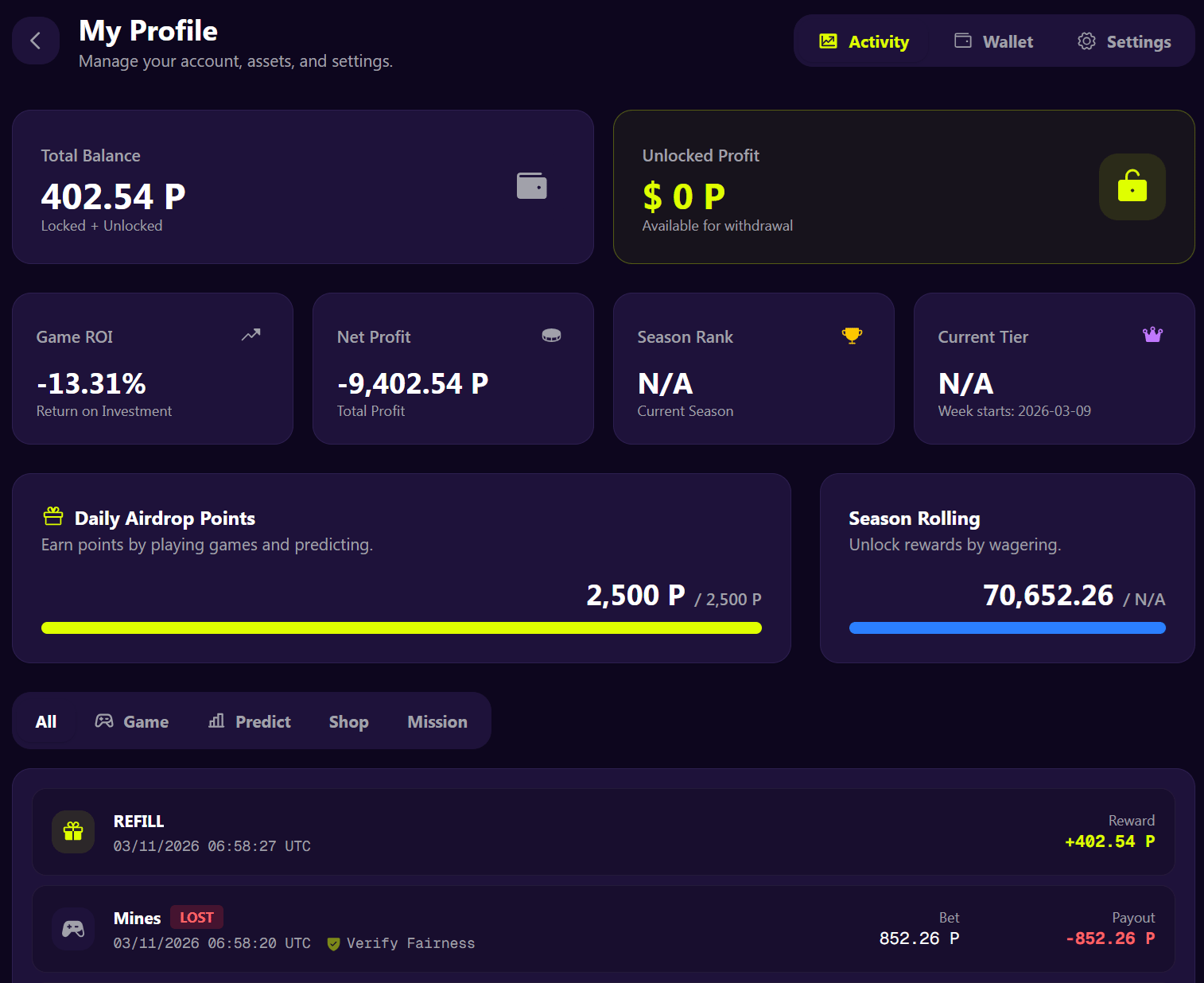
My Activity page
How to open My Activity
- Click your profile icon in the top-right.
- Select My Activity.
What you can check
If you don’t see an update
- Refresh the page and check My Activity again.
- If the issue persists, visit Help.